Keep your server clean.
Seven slash commands for manual moderation — Ban, Kick, Mute, Warn — with duration, reason, optional DM, and full audit history per user. Immune roles protect your team, hierarchy checks prevent accidental admin bans.
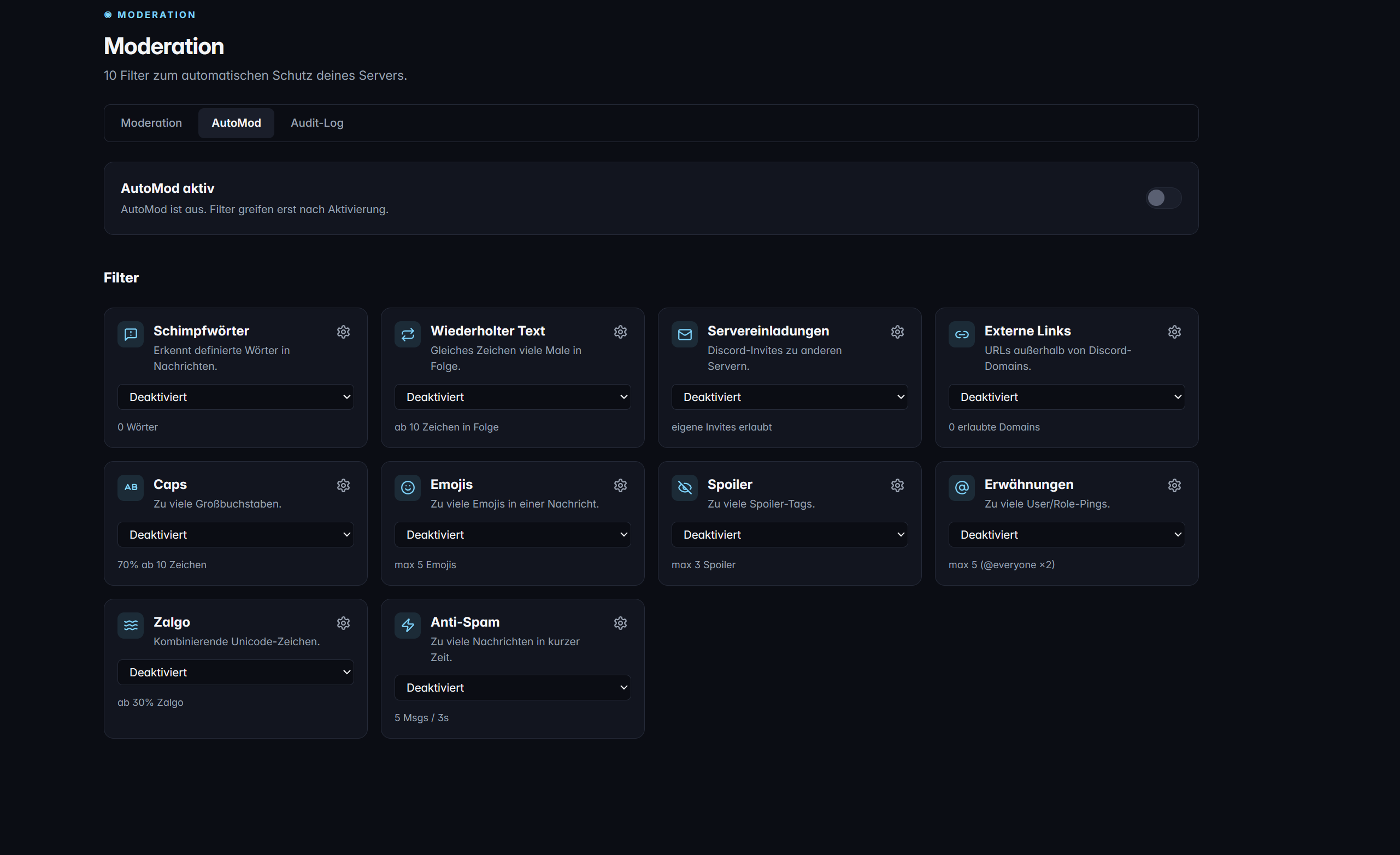
What Moderation can do
/ban, /unban, /kick, /mute, /unmute, /warn, /history — each with clean options and an immediate ephemeral confirmation for the moderator.
Discord timeout with presets: 60 s, 5 min, 10 min, 1 h, 1 d, 1 week, 28 d (Discord max). No manual millisecond input needed.
Optional deletion of the last 0, 1, or 7 days of messages from the banned user — selectable directly in the /ban dialog.
Up to 50 protected roles per server. Members with immune roles cannot be moderated — the command is rejected with a plain-text error message.
Configurable per command via toggle — plus a global default in the dashboard. Silently skipped if DMs are blocked.
marketing.features.moderation.cap_6_desc
In detail
Safeguards (preconditions)
Every command checks before executing:
- Moderation module is enabled for this server
- Moderator ≠ target (no self-kick)
- Target ≠ guild owner (owner is always safe)
- Target has no immune role
- Bot role is above the target in Discord's hierarchy
- Moderator has the appropriate Discord permission (BanMembers, KickMembers, or ModerateMembers)
Audit-Log integration
Every successful mod action writes a ModAction record with action, reason, duration, and expiresAt. The Audit-Log module can additionally mirror these events to a log channel — structured embed with actor, target, duration, and reason.
History command with filters
marketing.features.moderation.sec_3_body
Frequently asked questions about Moderation
Do warns count toward Discord timeouts?
No. /warn is purely a log entry — there is no automatic escalation to mute or ban. The entry appears in /history and in the dashboard; the user is (optionally) notified via DM.
What happens when the bot is removed?
Server-specific data (ModAction, ModerationConfig) is automatically deleted 30 days after bot removal. Until then, you can re-invite the bot and the history remains intact.
Can I exempt individual users from immunity?
Immunity currently works via roles (up to 50 per server), not explicit user IDs. Create a role like "Protected" and assign it to the members you want to protect.
How does bot hierarchy work?
Discord only allows the bot to take mod actions against users whose highest role is below the bot's highest role. Move the TeraOne role up in your server's role settings.
More modules
Ready for TeraOne?
Two clicks to set up. No onboarding, no credit card.